The Cheapest Fix for Neck Pain
Your head weighs about 5kg. Held upright over your spine, that’s free. Tilted forward 30 degrees to look down at a low screen, the effective load on your neck rises to somewhere around 18kg — and you hold it there for eight hours a day. That is the entire mechanism behind most desk-related neck and upper back pain, and raising the top of your monitor to roughly eye level eliminates it. Before you buy a massager, raise your screen.
Key Benefits
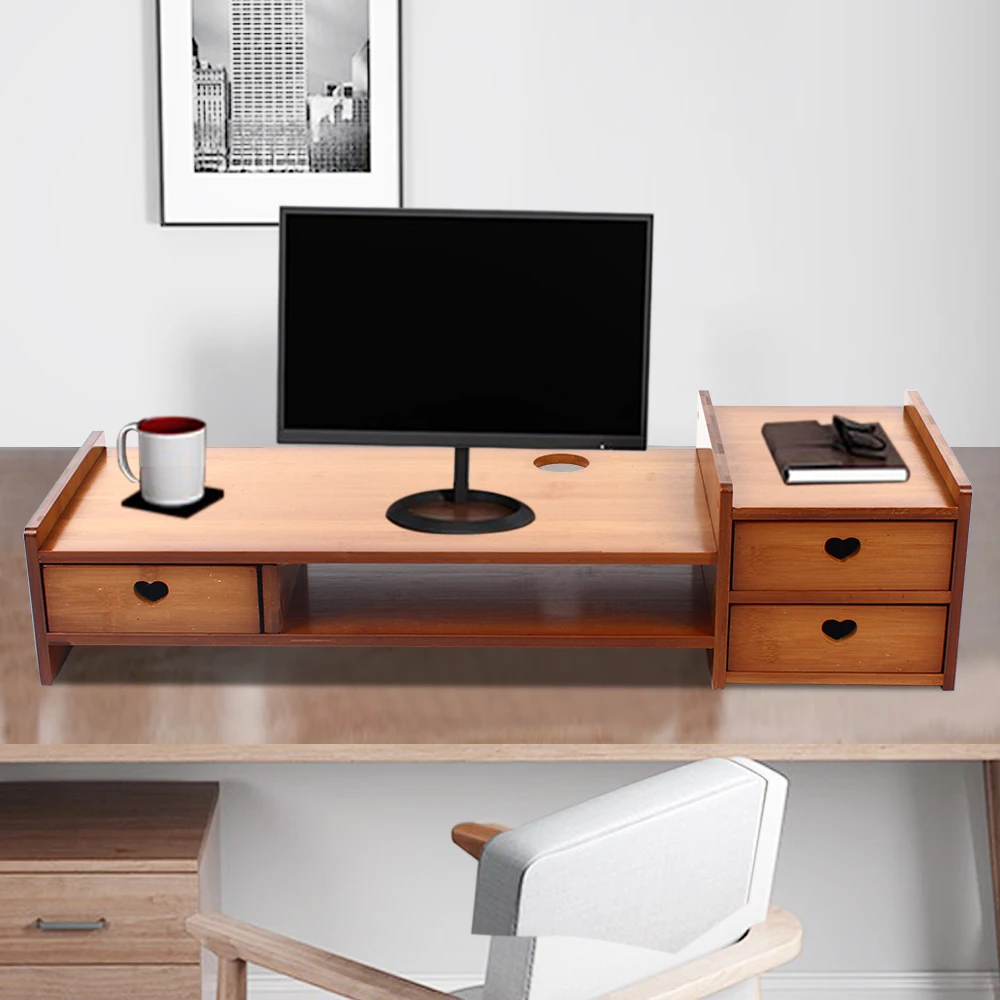
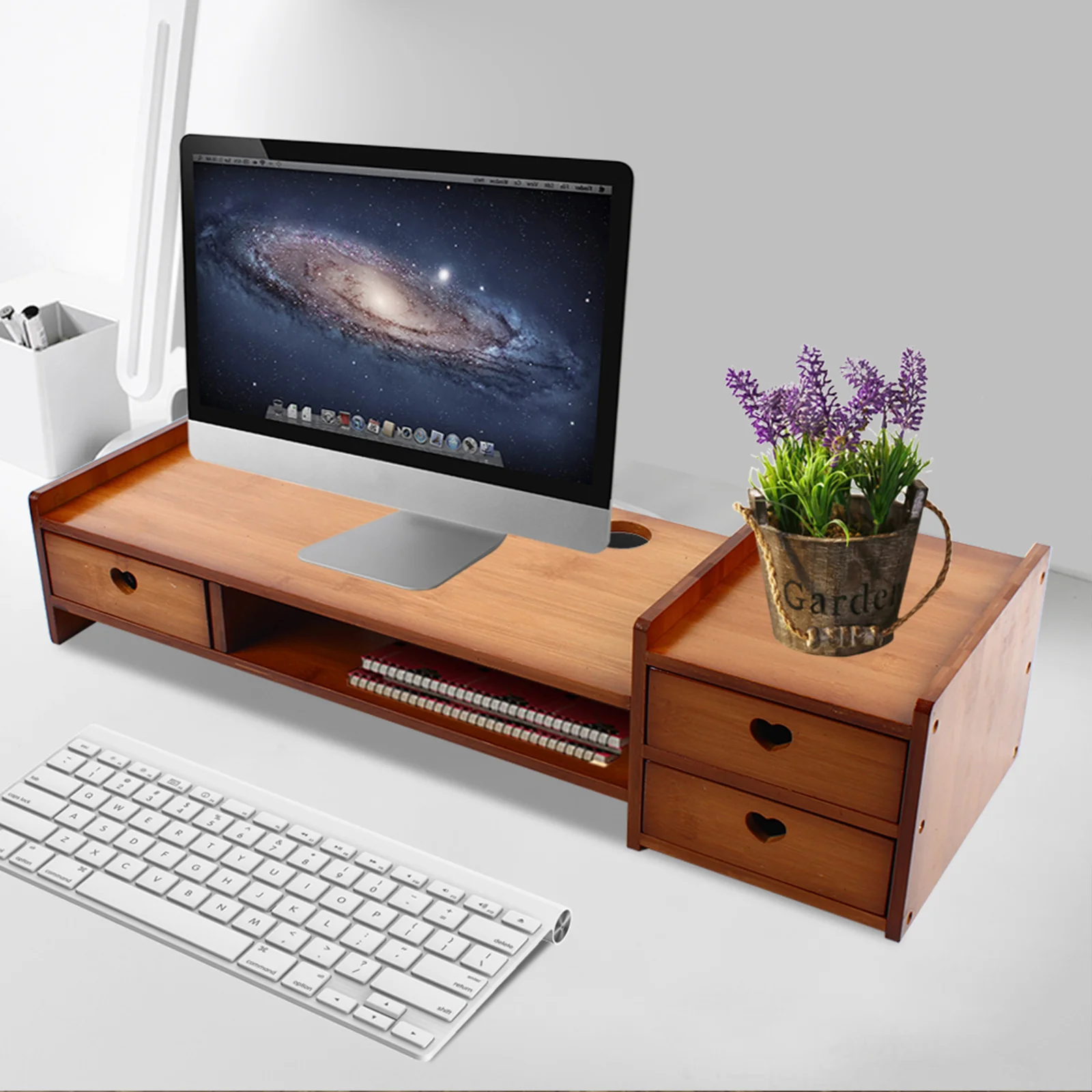
- Raises the screen to eye level, removing the forward head tilt that causes neck pain
- Solves the cause, not the symptom — no massager fixes a low monitor
- Bamboo — strong, light and sustainably grown
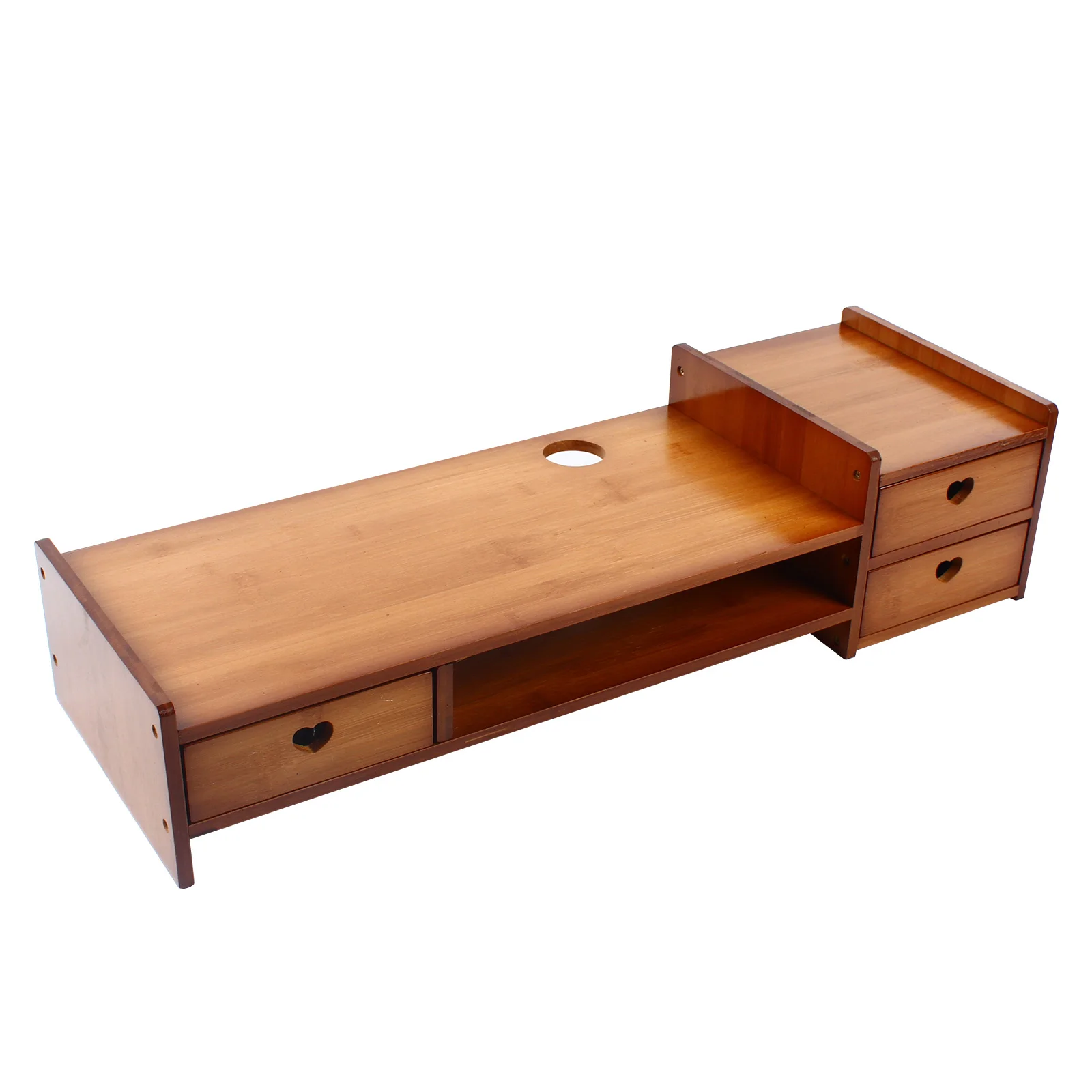
- Storage compartment reclaims desk space underneath
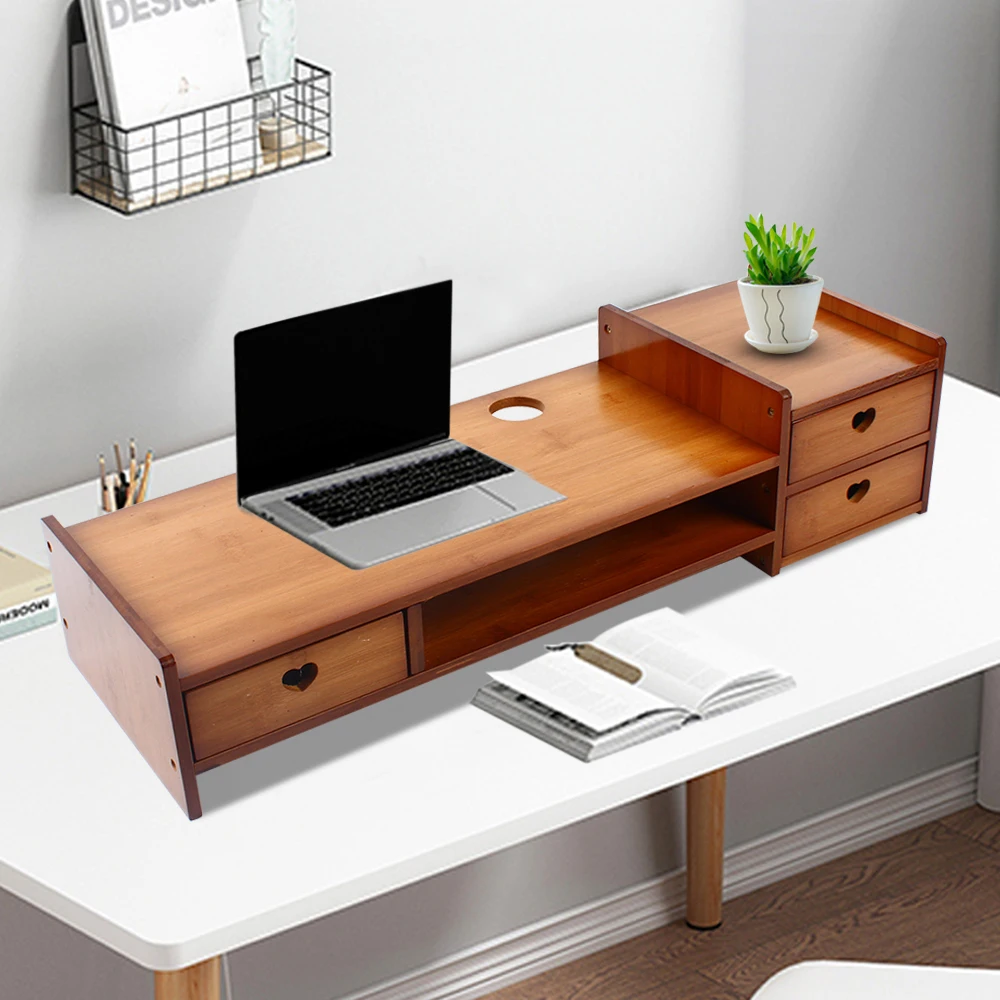
- Stable platform for monitors and laptops
- Improves airflow under a laptop
How to Use
Set the stand so that the top of your screen sits at or just below eye level, and the screen is roughly an arm’s length away. If you’re on a laptop, raising it means you also need a separate keyboard and mouse — otherwise you’ve simply moved the strain from your neck to your shoulders. That combination, laptop stand plus external keyboard, is the single highest-value ergonomic change most desk workers can make.
Specifications
| Material | Bamboo |
|---|---|
| Function | Raises screen to eye level |
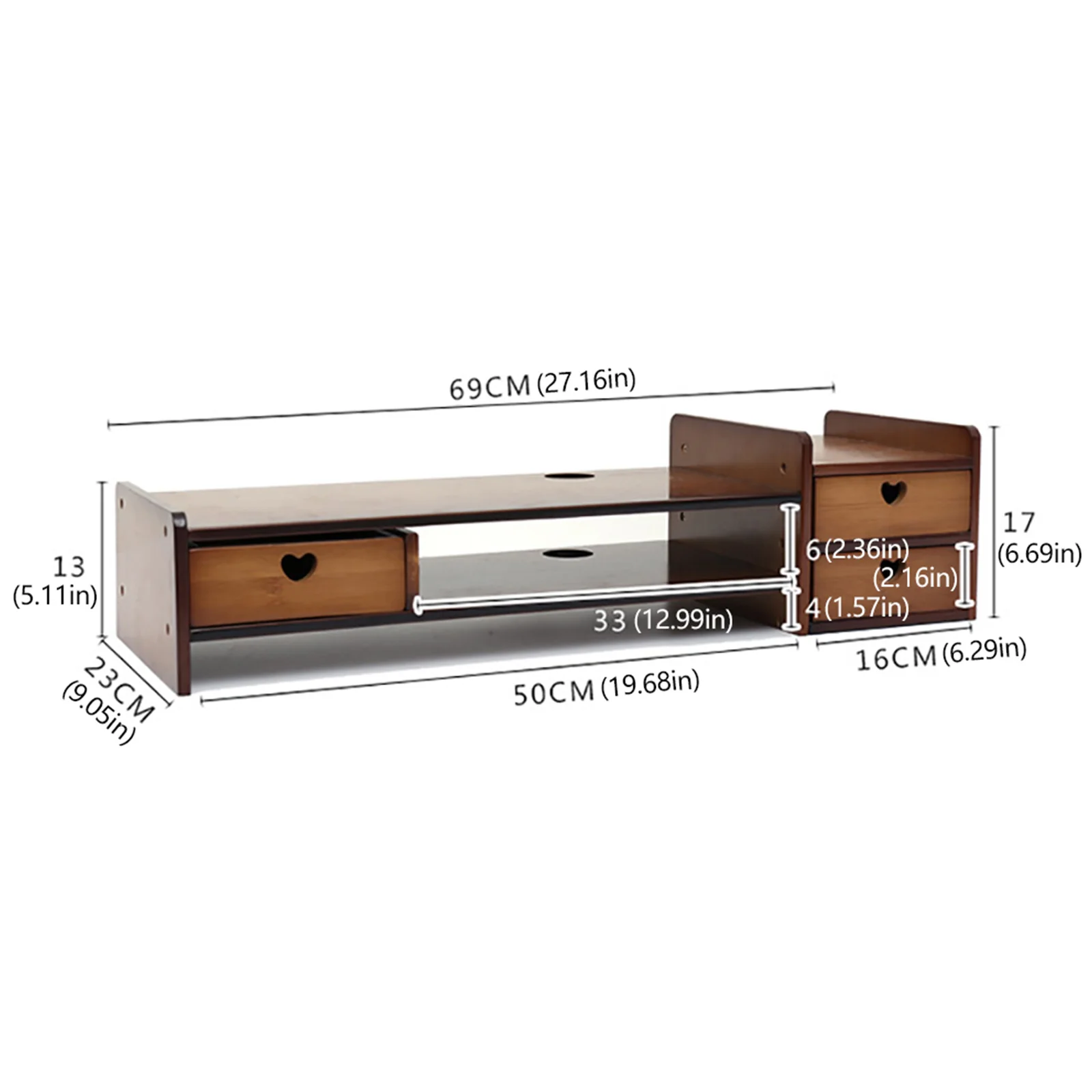
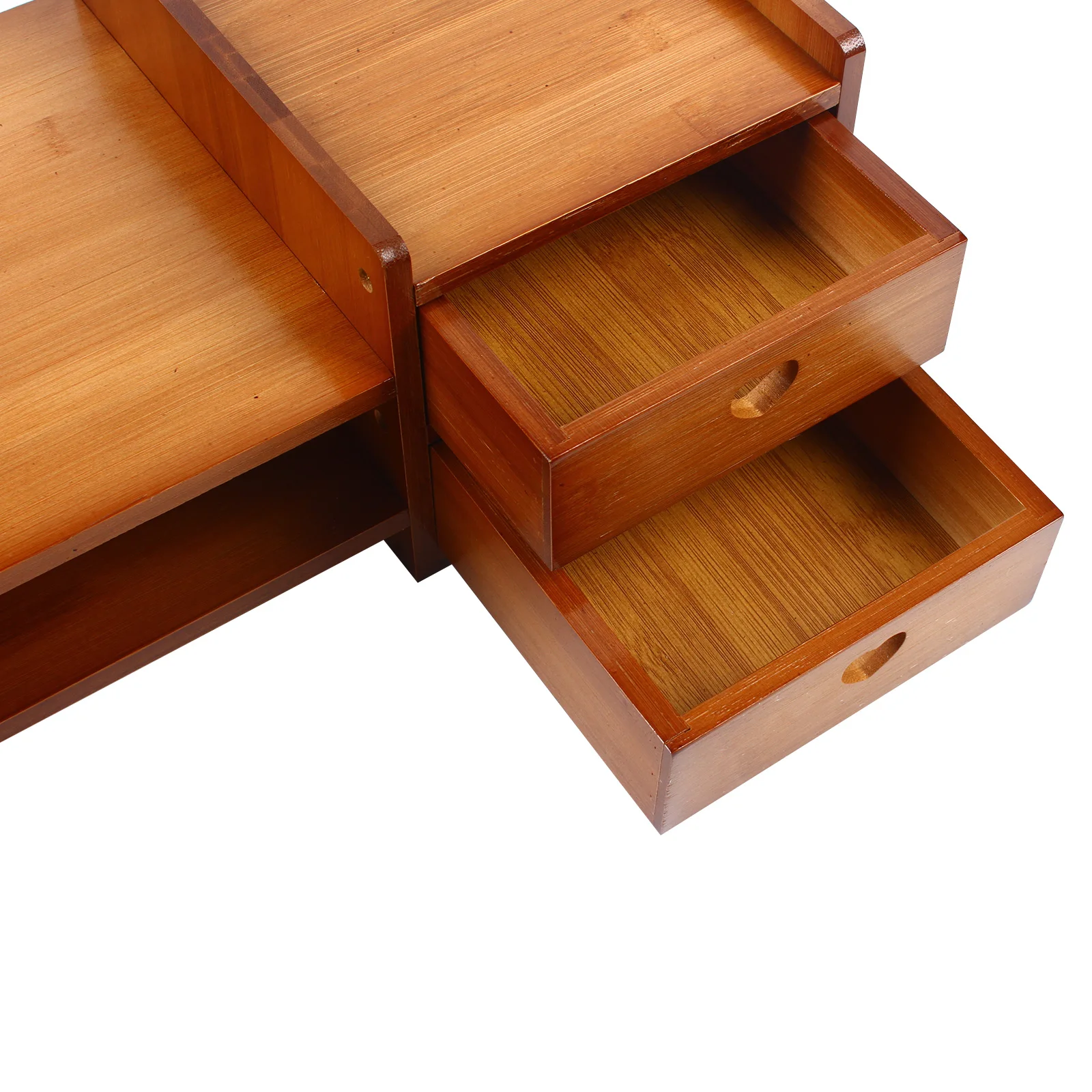
| Storage | Integrated organiser compartment |
| Fits | Monitors and laptops |
| Correct height | Top of screen at or just below eye level |
| Important | If raising a laptop, add an external keyboard and mouse |
Care & Maintenance
Wipe with a lightly damp cloth. Do not soak — bamboo will swell. Occasional wood oil keeps it from drying out.
What’s in the Box
1 × Bamboo Monitor Stand




Reviews
There are no reviews yet.