The Wrist Angle That Quietly Ruins Your Afternoons
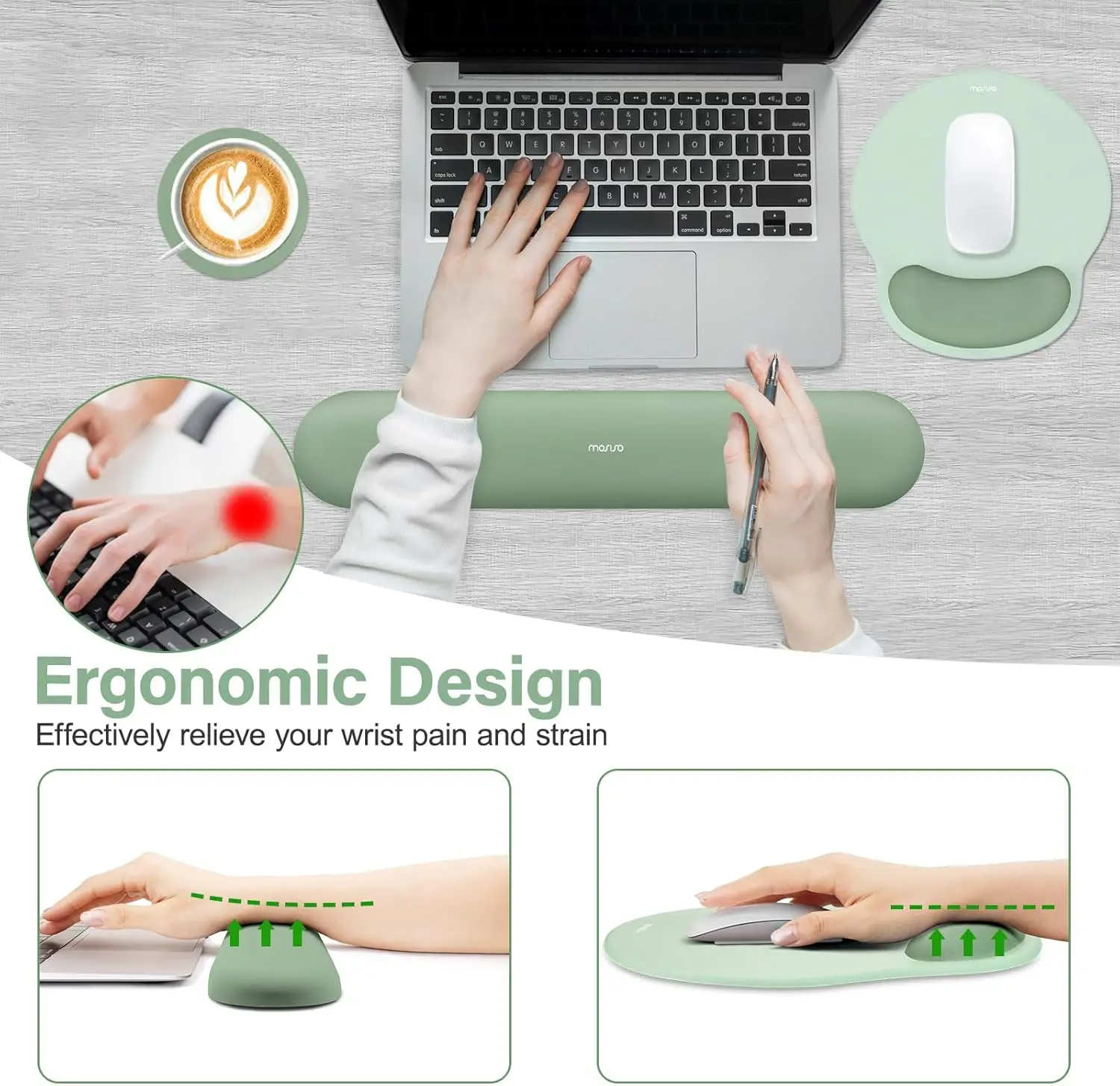
When your wrist bends upward to reach a keyboard or mouse — extension, in anatomical terms — pressure inside the carpal tunnel rises sharply, and the tendons that run through it are forced to work around a bend. Hold that for six hours a day and the result is the dull ache, tingling and stiffness that millions of desk workers accept as normal. A contoured wrist rest works by removing the geometry that causes it: it raises the heel of the hand so the forearm, wrist and hand sit in one roughly straight line, letting the tunnel sit open and the tendons run flat.
Key Benefits
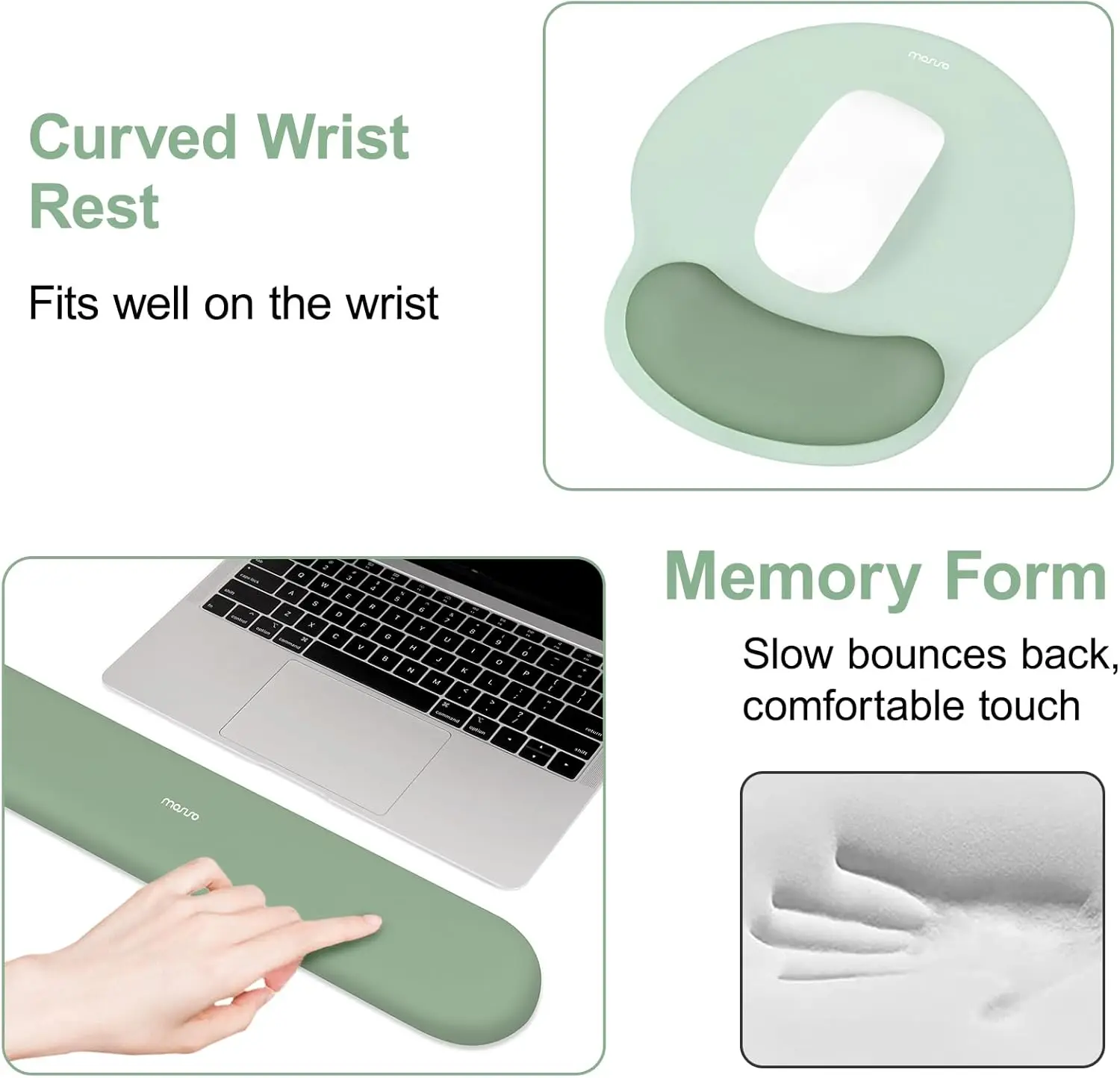
- Neutral wrist alignment. The curved profile supports the heel of the hand so the wrist stops extending upward — the single most important change you can make to how a desk feels.
- Lower carpal tunnel pressure. Keeping the wrist straight rather than bent back reduces the intra-tunnel pressure that compresses the median nerve, which is the mechanism behind desk-related tingling and numbness.
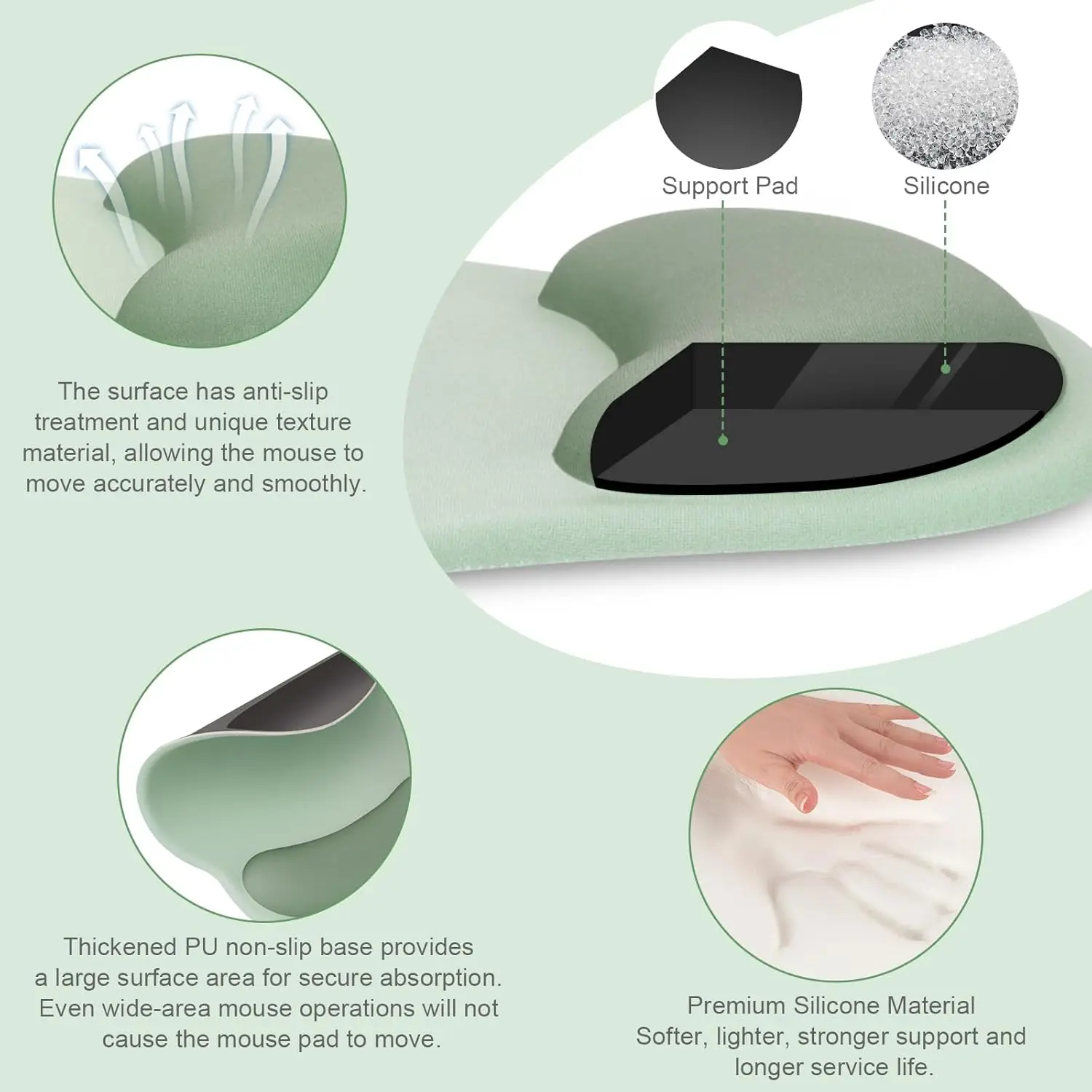
- Pressure spread, not concentrated. A soft silicone-lined cushion distributes load across the heel of the hand rather than letting the sharp edge of a desk dig into a single line of tissue.
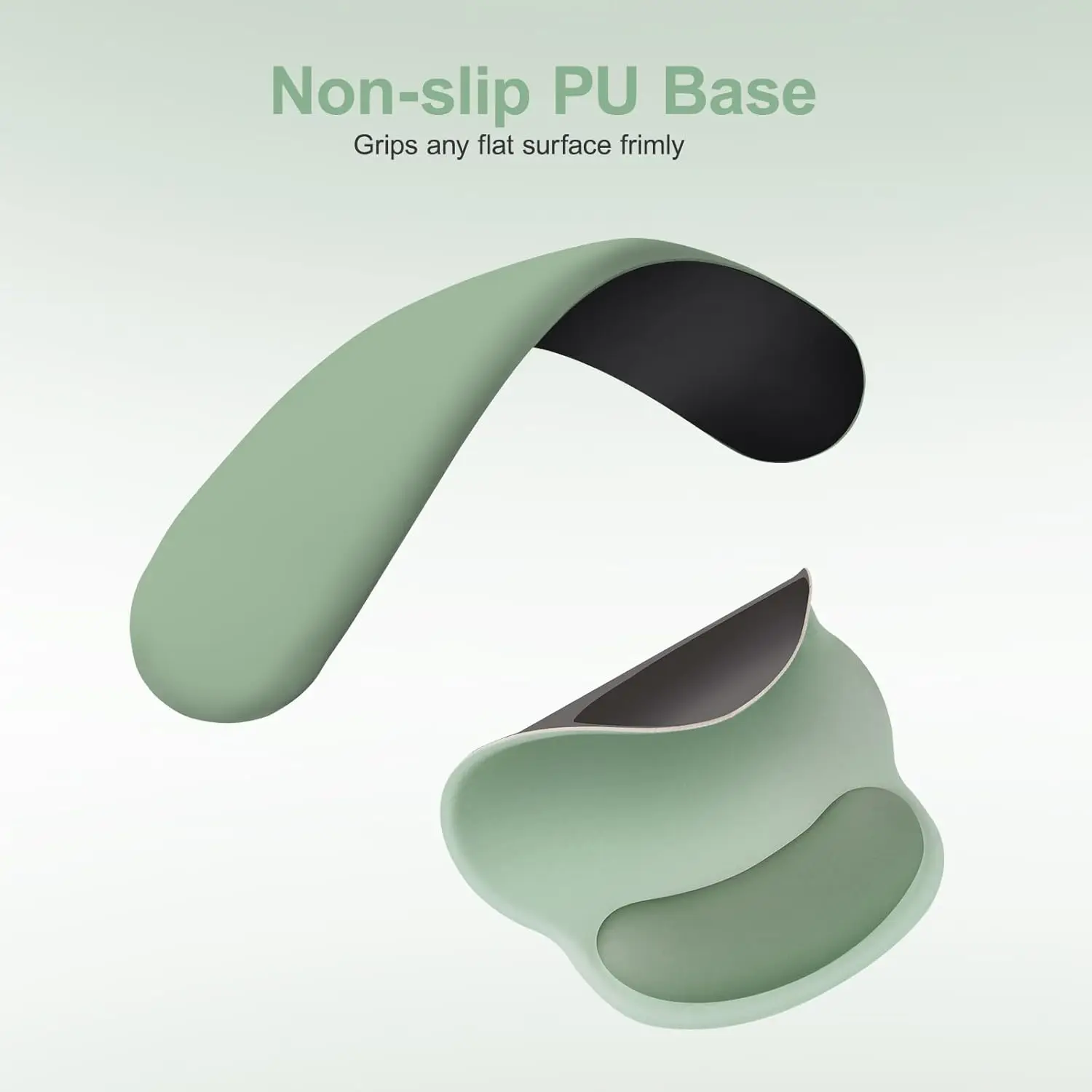
- Non-slip base that stays put. A pad that migrates across the desk every hour recreates the bad angle you bought it to fix, so the grip base is doing more work than it sounds like.
- Soft cloth top for mouse tracking. Fine-weave cloth gives consistent optical tracking without the harsh drag of bare desk or the noise of a hard pad.
- It supports — it does not treat. Persistent numbness, night-time tingling or weakness in the hand is a medical issue, not an accessory issue, and needs a clinician rather than a cushion.
How to Use
Position the wrist rest so it supports the heel of your hand, not the wrist crease itself — resting the underside of the wrist directly on any surface presses on the very structures you are trying to unload. Your forearm, wrist and hand should form a straight line, with elbows at roughly 90 degrees and the keyboard flat or tilted slightly away from you. Keep the mouse close enough that you are not reaching sideways for it. Note: a wrist rest is meant to be a place to rest between bursts of typing, not a permanent perch to plant your hands on while you work. Also take the free part of the fix: get up and move your hands and shoulders every half hour, because no accessory compensates for six unbroken hours in one position. If you have numbness that wakes you at night, weakness gripping objects, or pain that does not settle with rest, see a doctor — that is not something an ergonomic pad will resolve.
Specifications
| Product type | Ergonomic mouse pad and keyboard wrist rest set |
|---|---|
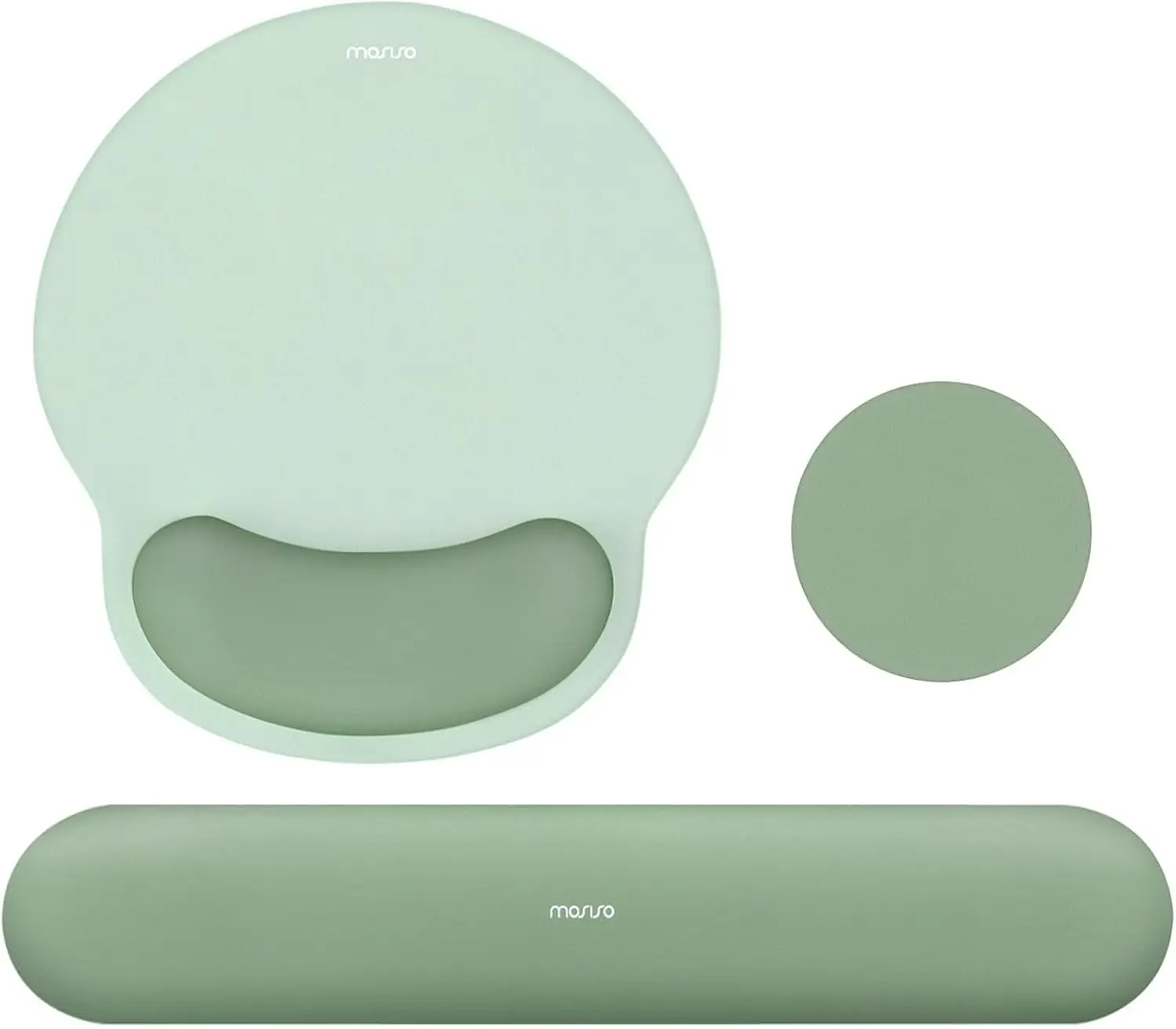
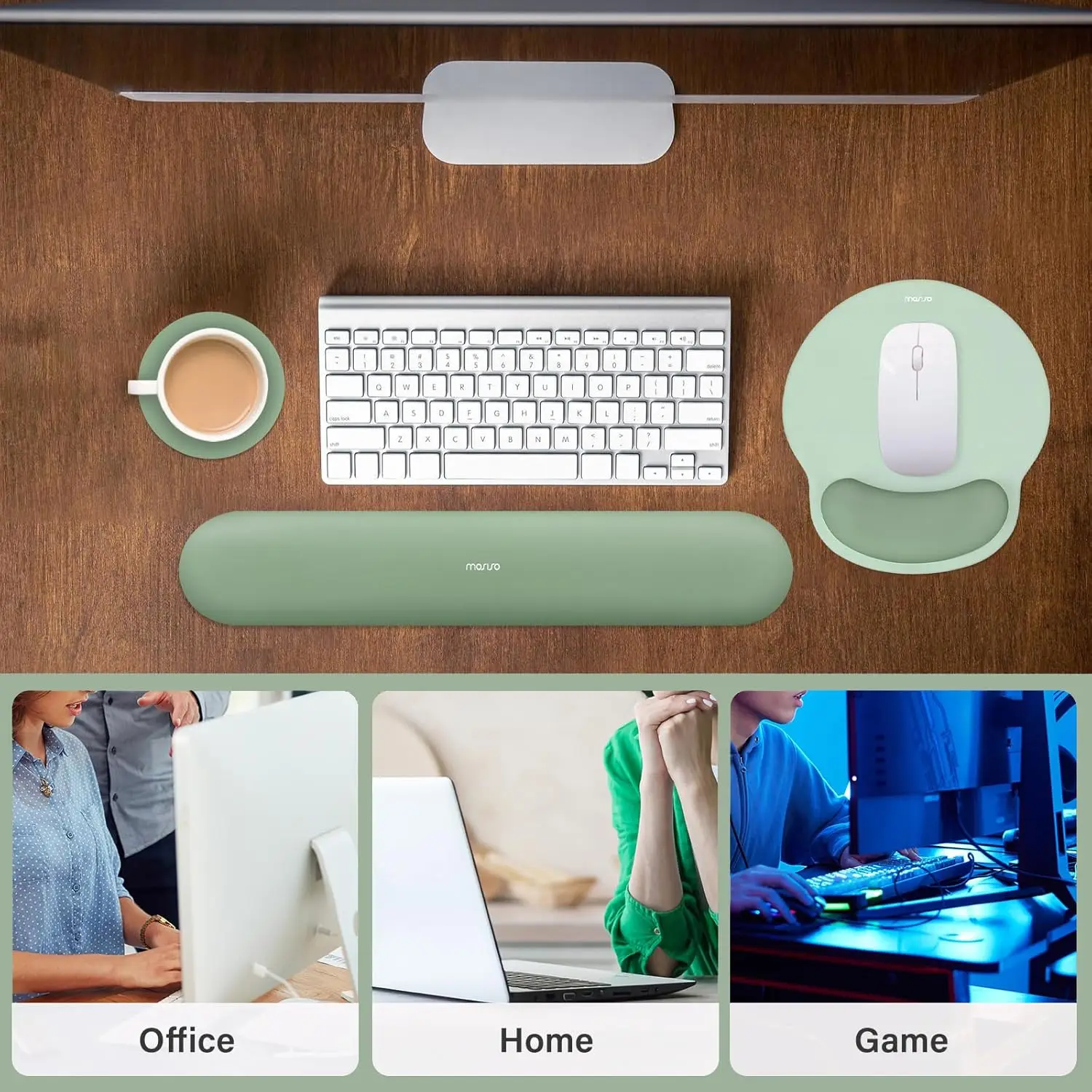
| Set contents | Circle curved mouse pad with wrist rest + keyboard wrist rest |
| Top surface | Soft cloth (optimised for optical mouse tracking) |
| Lining | Silicone / soft cushioned lining |
| Base | Non-slip |
| Profile | Curved contour supporting the heel of the hand |
| Colour | Antique Green |
| Intended use | Desk, office, home office, gaming |
| Medical claim | None — supportive accessory, not a treatment for carpal tunnel syndrome |
| Dimensions | Variant dependent |
Care & Maintenance
Wipe the cloth surface with a barely damp cloth and mild soap, working in one direction, then air-dry completely before use — a damp pad will mark and can develop odour. Do not machine wash, soak, or wring the silicone-lined cushion; saturating the lining will deform it and it will not recover its contour. Keep it out of direct sunlight, which fades cloth and hardens silicone. Replace the wrist rest once the cushion no longer springs back after pressure, since a flattened rest is providing height without support.
What’s in the Box
Curved mouse pad with integrated wrist rest and matching keyboard wrist rest, in Antique Green. Exact dimensions are variant dependent.

Reviews
There are no reviews yet.