Your Neck Is Holding a Bowling Ball at the Wrong Angle
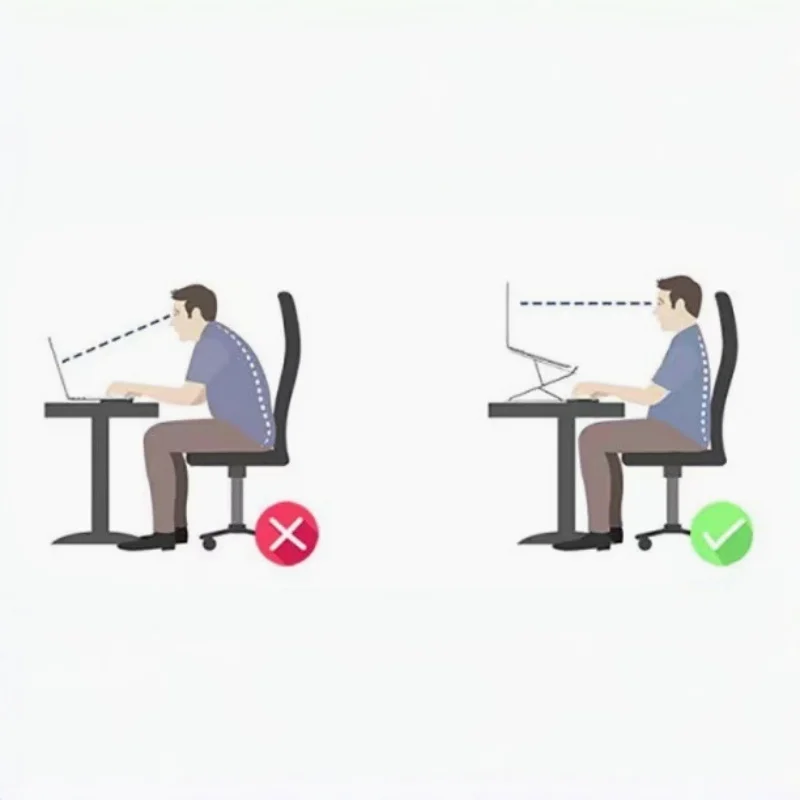
An adult head weighs about five kilograms when balanced on top of the spine. Tilt it forward and the effective load on the cervical spine climbs steeply, because the head’s centre of mass moves out in front of the fulcrum and the lever arm grows. By around forty-five degrees of forward flexion — roughly where a laptop on a desk puts you — the load the neck extensors must resist is several times the head’s actual weight, and they are holding it isometrically, for hours. That sustained low-level contraction in the upper trapezius and levator scapulae is what people are describing when they say their neck and shoulders ache by mid-afternoon. Raising the screen removes the reason to tilt.
Key Benefits
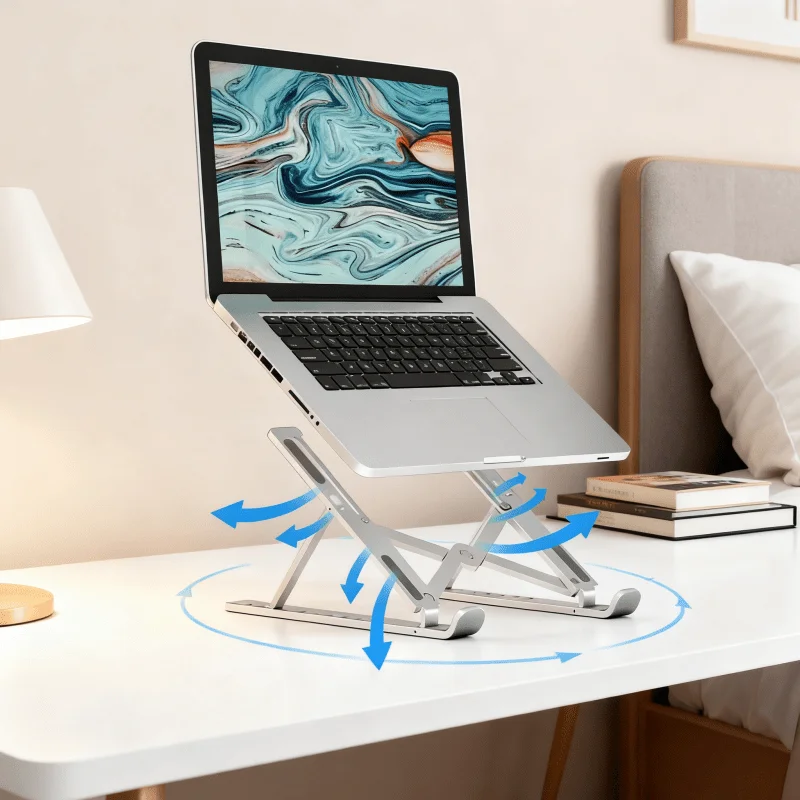
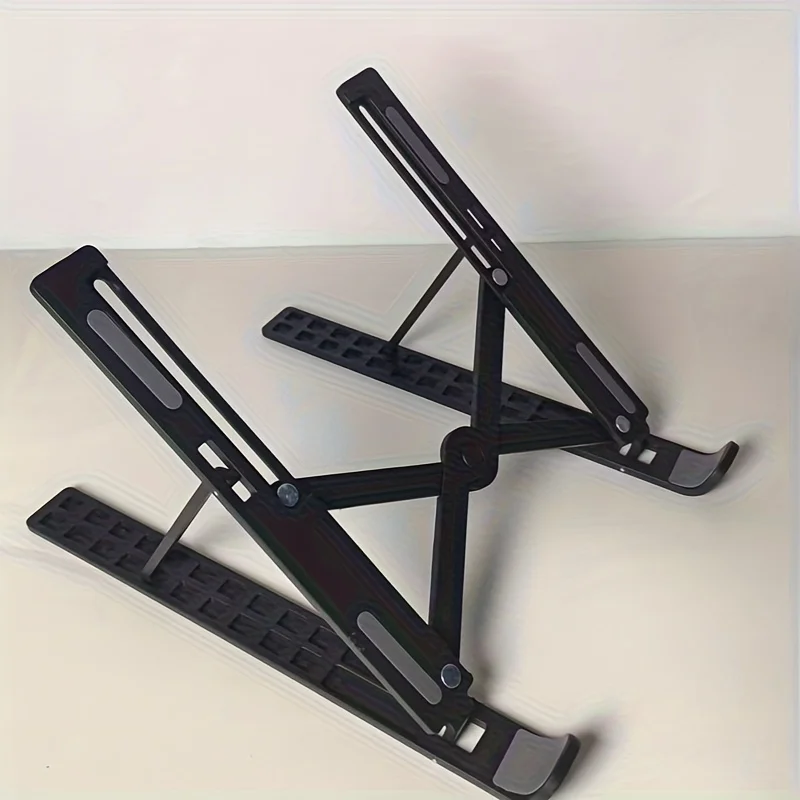
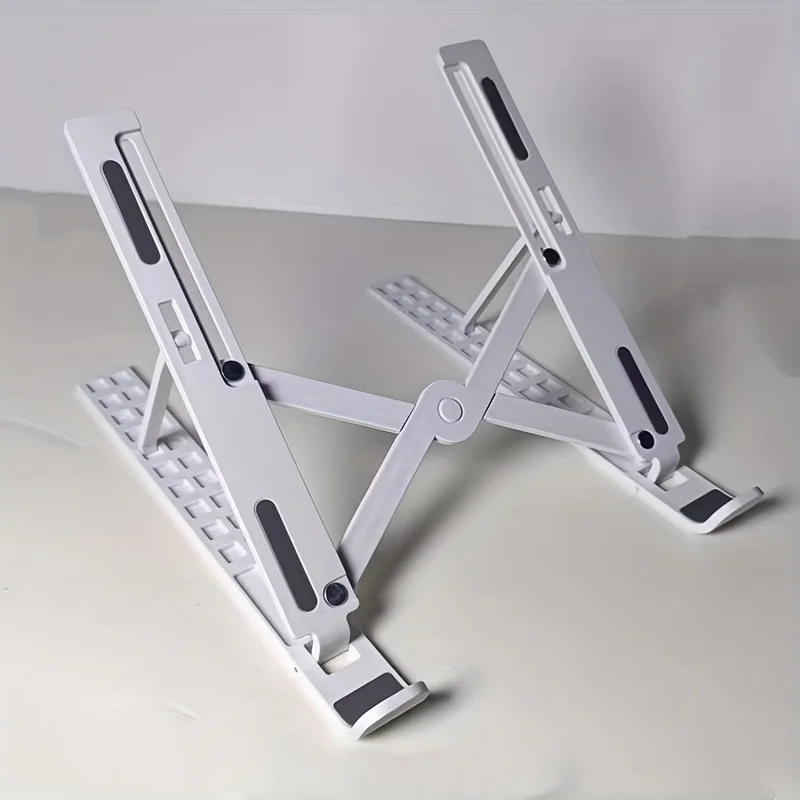
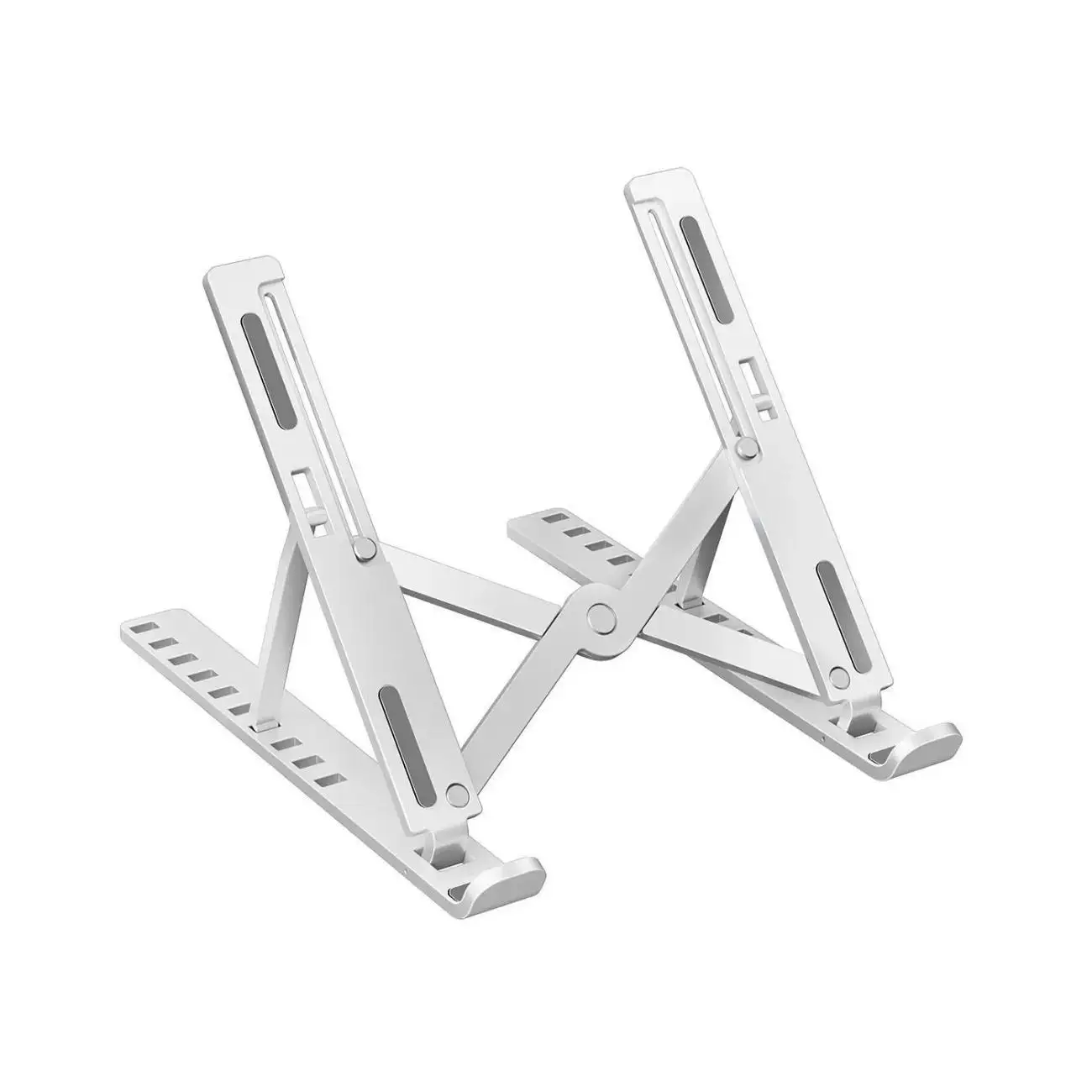
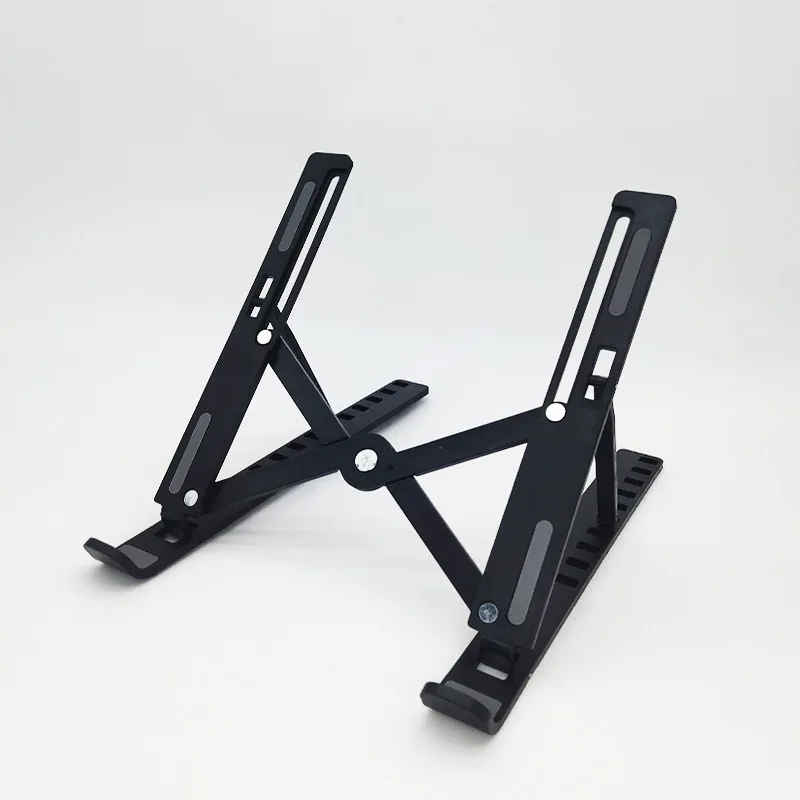
- Ten height settings, so you can actually hit eye level. Fixed-height stands raise the screen to somebody else’s eye level. Adjustment is what makes the difference between a correct setup and a nearly-correct one.
- It only works with an external keyboard — and that’s not a footnote. Raising a laptop lifts the screen and the keyboard together. If you then reach up to type, you have swapped neck flexion for shoulder elevation and wrist extension, and you may well end up worse off. A stand plus an external keyboard and mouse is the setup that works; a stand alone often isn’t.
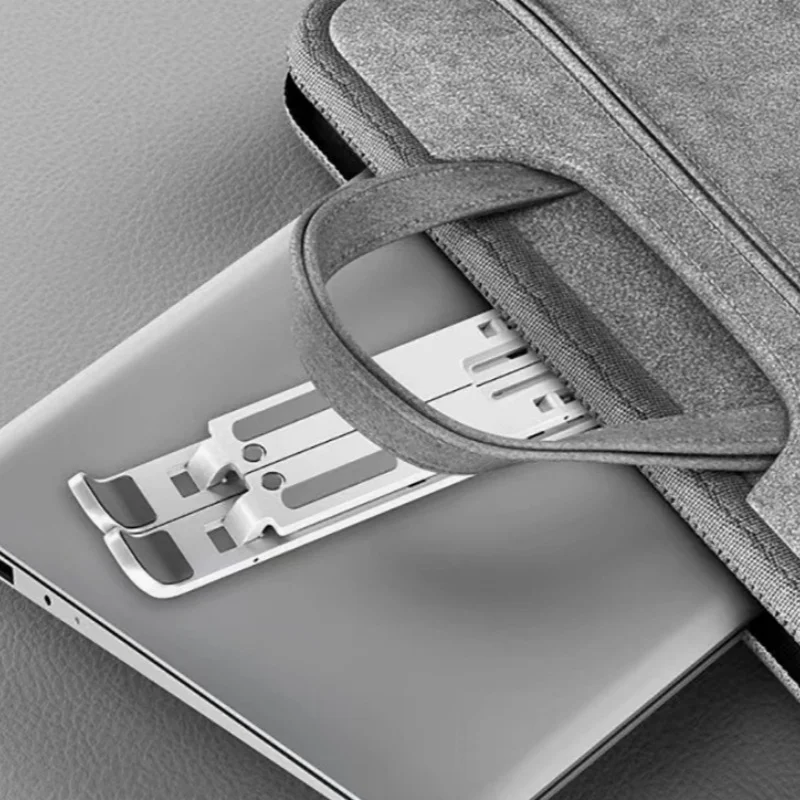
- Folds flat and travels. The ergonomic setup that helps you is the one that is with you at the kitchen table and in the hotel room, not the one bolted to a desk you visit twice a week.
- Airflow under the chassis. Lifting a laptop off a flat surface lets it vent properly, which keeps the processor from throttling — a small practical win alongside the ergonomic one.
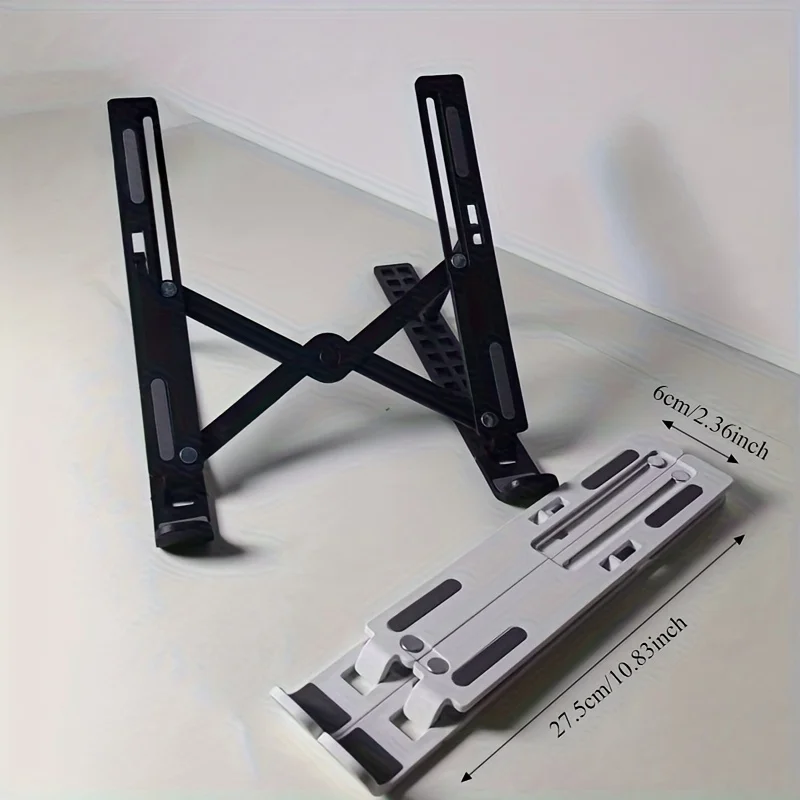
- Stable compact base. A laptop stand that flexes when you touch the machine adds a distraction and an anxiety. A rigid base is the whole job.
- No stand fixes posture, and you should be sceptical of any that claims to. Furniture can only remove the reason for a bad position; it cannot make you move. Sitting perfectly still in an ergonomically perfect position for eight hours will still make you ache. The best posture is your next posture.
How to Use
Set the height so the top of your screen sits at, or just slightly below, eye level — you want to look very slightly down at the middle of the display, not up at it and not down at your lap. Then plug in an external keyboard and mouse and put them at a height where your elbows fall to roughly ninety degrees with your shoulders relaxed and down, not shrugged. Sit back into the chair so it supports you, rather than perching forward. Position the screen an arm’s length away, roughly. Then — and this is the part that matters most — get up. Change position every twenty to thirty minutes, stand for some calls, and walk for a couple of minutes every half hour. The load that damages tissue is not a single bad angle; it is a fixed angle held for a very long time. A stand reduces the cost of sitting. It does not make sitting free. SAFETY: this is an ergonomic aid, not a medical device — it does not treat neck pain, and persistent, worsening or radiating neck pain, or pain with numbness or tingling in the arms or hands, warrants a doctor rather than a new desk accessory.
Specifications
| Type | Foldable, adjustable laptop and tablet stand |
|---|---|
| Height settings | 10 |
| Folding | Yes — folds flat for travel |
| Base | Compact, rigid base |
| Ventilation | Open design allows airflow beneath the laptop |
| Best paired with | External keyboard and mouse (see How to Use) |
| Compatibility | Laptops and tablets — supported size range variant dependent |
| Weight capacity | Variant dependent — check the listing |
| Material & colour | Variant dependent |
Care & Maintenance
Wipe with a dry or barely damp cloth. Check the hinges and the height-adjustment catch periodically for play, and stop using the stand if a catch no longer locks positively — a stand that collapses under a laptop is an expensive failure. Keep the rubber or silicone contact pads clean, since dust on them is what lets a machine slide. Fold it for transport rather than throwing it into a bag open, which is how adjustment mechanisms get bent.
What’s in the Box
1 × foldable adjustable laptop stand. External keyboard and mouse are not included and are strongly recommended alongside it.



Reviews
There are no reviews yet.