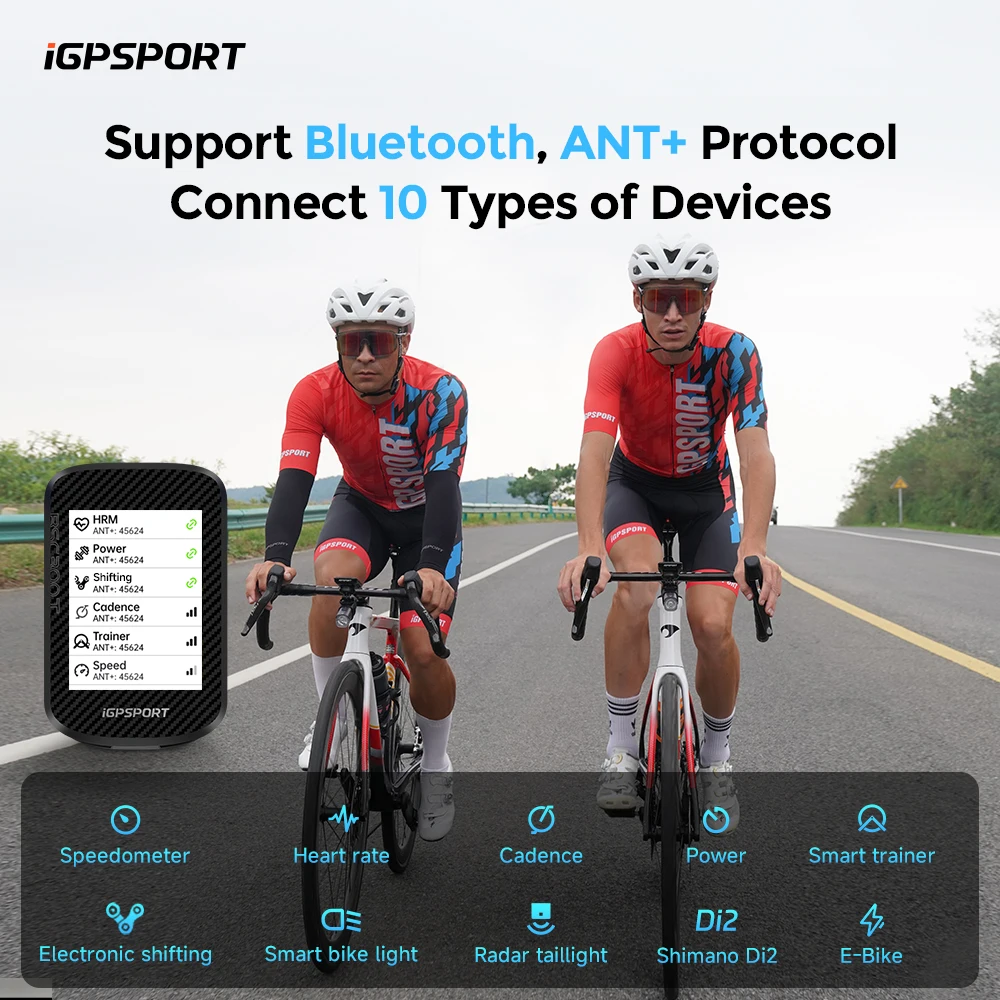

Navigation and Training Data on One Colour Screen
Endurance adaptation depends less on how hard you ride than on whether you ride at the intensity you intended. Left to feel alone, most cyclists drift: easy rides creep upward and hard efforts fade. A head unit fixes that by putting speed, heart rate, cadence and power in front of you in real time, so you hold the target zone rather than approximating it — and it records the ride objectively, which is the only way to know whether your training load is actually going up. The colour map does the second job: it navigates without burning your phone battery, which matters most on exactly the long rides where you need the phone to still work at the end.
Key Benefits
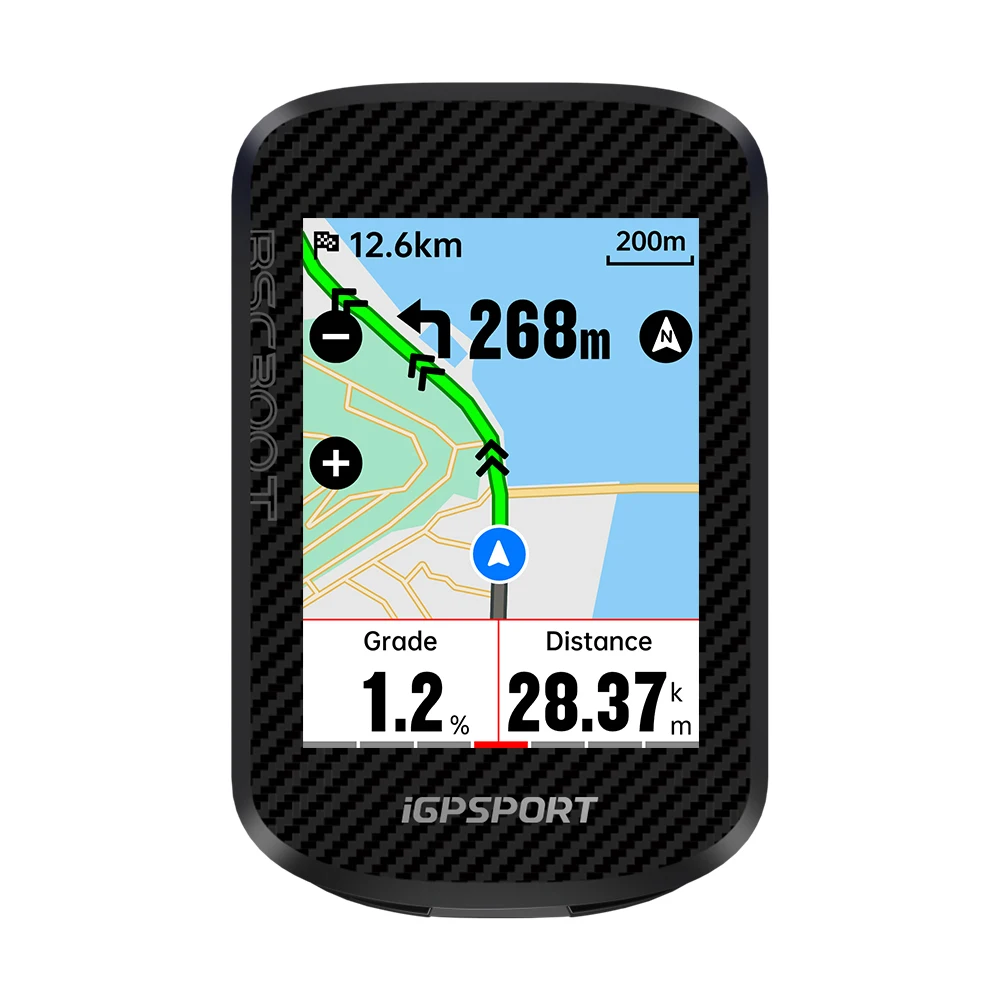
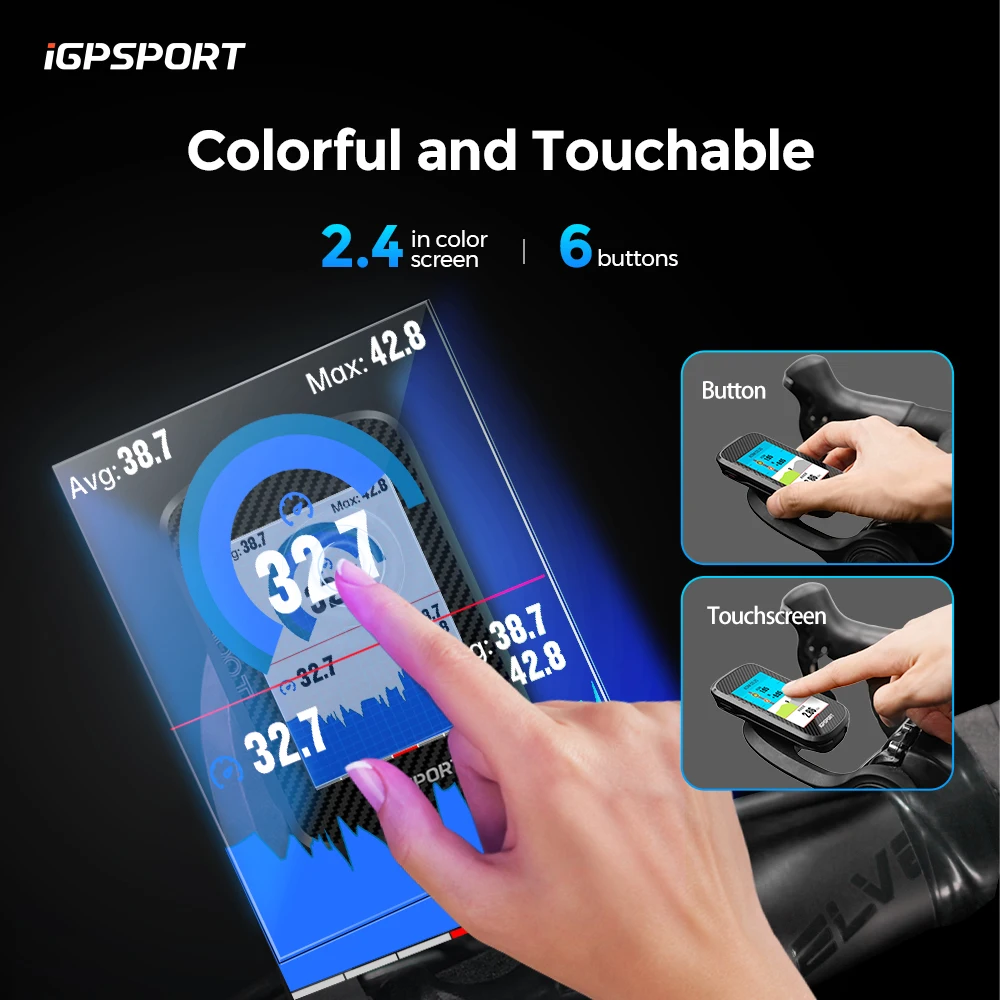
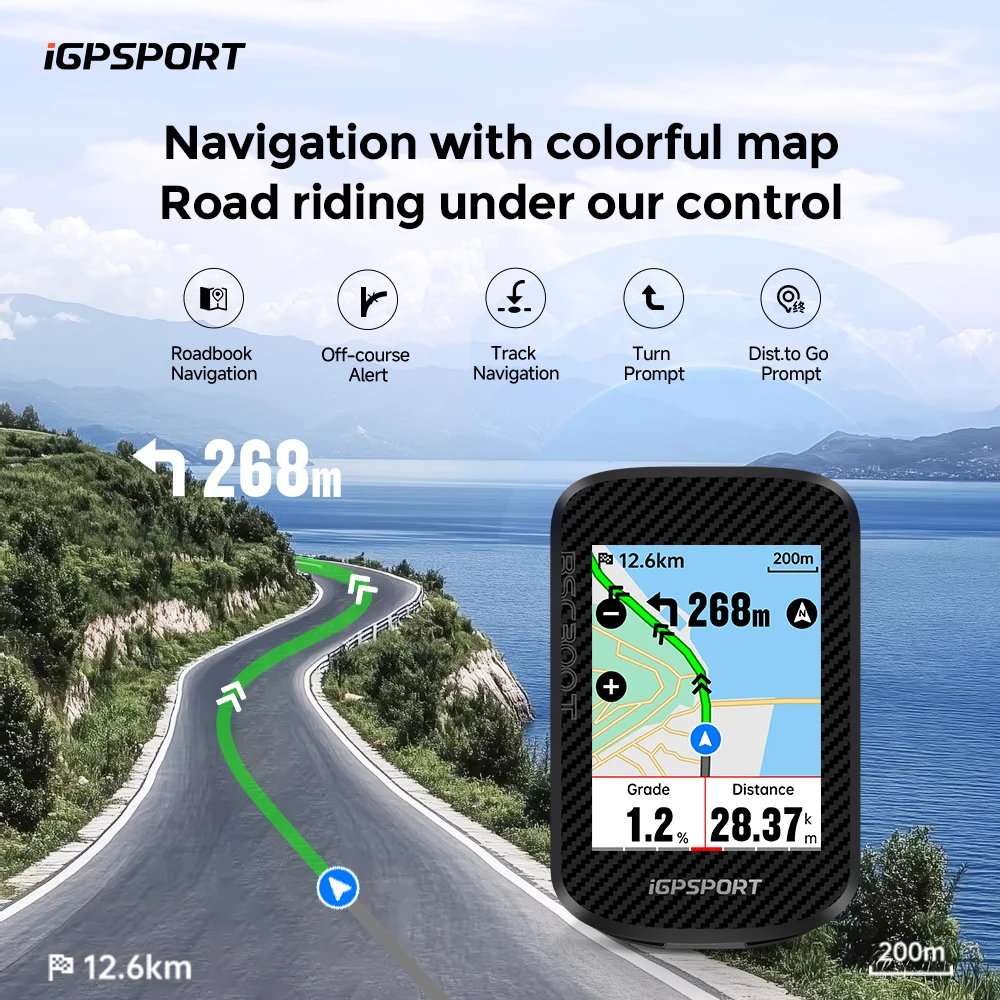
- Colour touchscreen with global maps. Route navigation on a dedicated device, so your phone stays in your pocket with its battery intact.
- Real-time training data. Holding a zone is far easier when the number is in front of you than when you’re guessing from perceived effort.
- Wireless sensor pairing. Connects to compatible heart rate, cadence, speed and power sensors so all your data lands in one file.
- E-bike support. Reads and displays data from compatible e-bike systems — genuinely useful for managing assist and remaining range.
- Objective ride logging. Recorded rides let you track load over weeks, which is where training decisions actually get made.
- Handlebar-mounted and glanceable. Data you can read at speed without taking a hand off the bars.
How to Use
Mount the unit on the stem or bars where you can read it with a glance rather than a stare — if you have to look down for more than a second, it’s in the wrong place. Charge it fully before a long ride, pair your sensors once at home rather than at the roadside, and load any planned routes before you set off. Set your data screens up to show only what you actually use; a screen with ten fields on it is a screen you can’t read at 30 km/h. The most important safety point is simple and unglamorous: do not operate the touchscreen while moving in traffic. Navigation prompts are an aid, not a substitute for looking at the road.
Specifications
| Model | iGPSPORT BSC300T |
|---|---|
| Display | Colour touchscreen |
| Navigation | Global colour map with route navigation |
| Positioning | GPS |
| Connectivity | Wireless sensor pairing (compatible HR, cadence, speed and power sensors) |
| E-bike | Supports compatible e-bike systems |
| Mounting | Handlebar / stem mount |
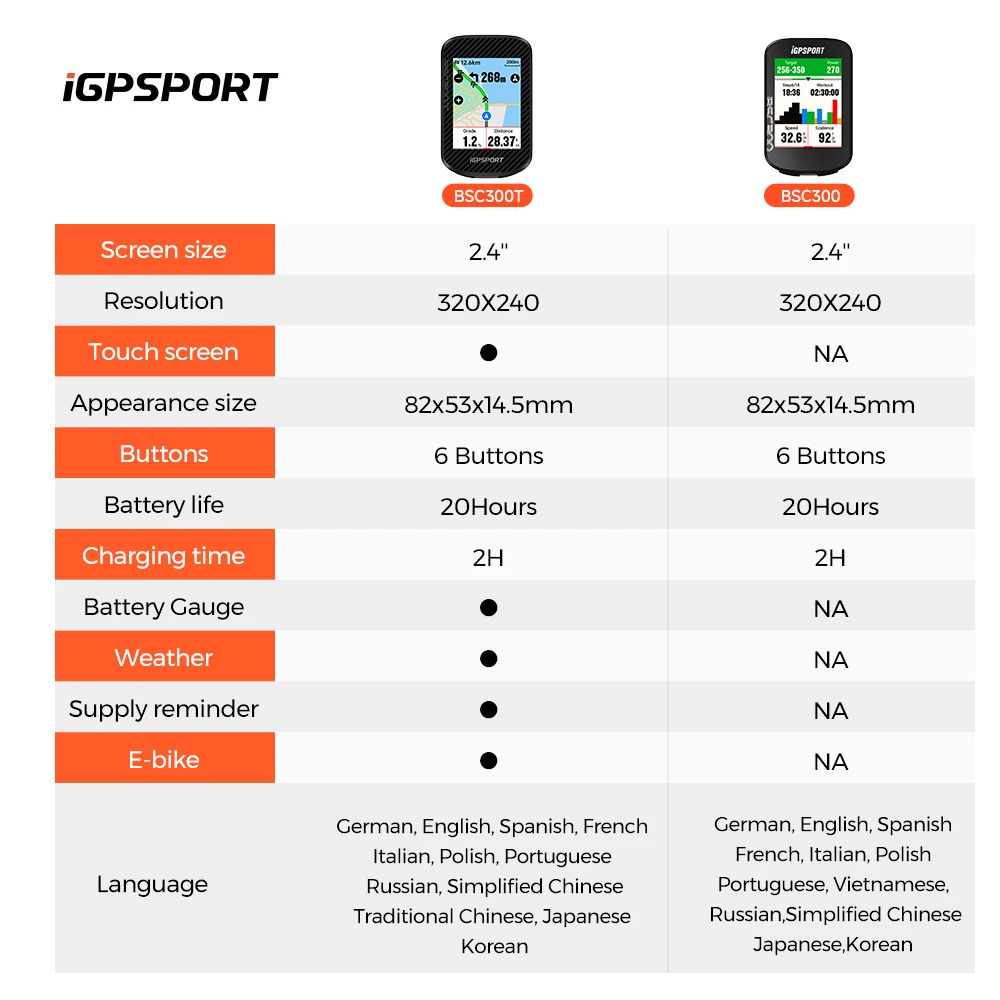
| Battery life and detailed specifications | Manufacturer-stated; refer to the included documentation — we do not publish figures we cannot independently verify |
Care & Maintenance
Charge with the supplied cable and make sure the charging port cover is properly seated before riding in the wet — a port left open is the most common way a head unit dies. Wipe the screen with a soft damp cloth; avoid solvents, which craze the display coating. Never pressure-wash the bike with the unit mounted. Store it charged and indoors over winter; a battery left flat for months will lose capacity.
What’s in the Box
1 x iGPSPORT BSC300T bike computer, mount and charging cable as supplied by the manufacturer. Sensors are sold separately unless a bundle variant is selected.


Reviews
There are no reviews yet.